

When Capital One launched its updated travel app in March 2026, it wasn’t starting from scratch — it was building on its existing travel platform to give it a more streamlined, mobile-friendly format. The new version of the app is designed to give eligible cardholders a single place to plan trips, book travel, earn and redeem rewards, and manage itineraries.
If you’re new to the Capital One Travel platform — or just haven’t used it on mobile yet — this guide breaks down everything you need to know. You’ll not only learn how to book travel through the app, but you’ll also discover how to use or redeem your miles and manage each trip from start to finish.
What is the Capital One Travel app?
At its core, the Capital One Travel app combines several useful features into one hub. As the press release about the new app explains, users can search and book flights, hotels, rental cars and activities, track prices and apply rewards at checkout. Once a trip is booked, the app helps you stay organized with real-time alerts, itinerary details and even tools for rebooking if your plans change unexpectedly.
Instead of juggling multiple apps or browser tabs, you can handle nearly every part of your trip in one place — from comparing prices and setting alerts to pulling up your itinerary while you’re on the go. The experience is built to be intuitive, even if you’ve never booked travel through Capital One before. This makes it easier to take full advantage of your card’s rewards and built-in travel perks without a steep learning curve.
➤ SEE MORE:Capital One credit card offers
How to use the Capital One Travel app
Step 1: Download and set up the app
Getting started with the app is straightforward. You can download the Capital One Travel app from the Apple App Store (iOS) or Google Play Store (Android). Once installed, log in using your existing Capital One account credentials.
After signing in, you may be prompted to set preferences like your home airport, preferred airlines or hotel brands, and saved traveler information. Taking a few minutes to complete this setup can make future searches faster and more personalized.
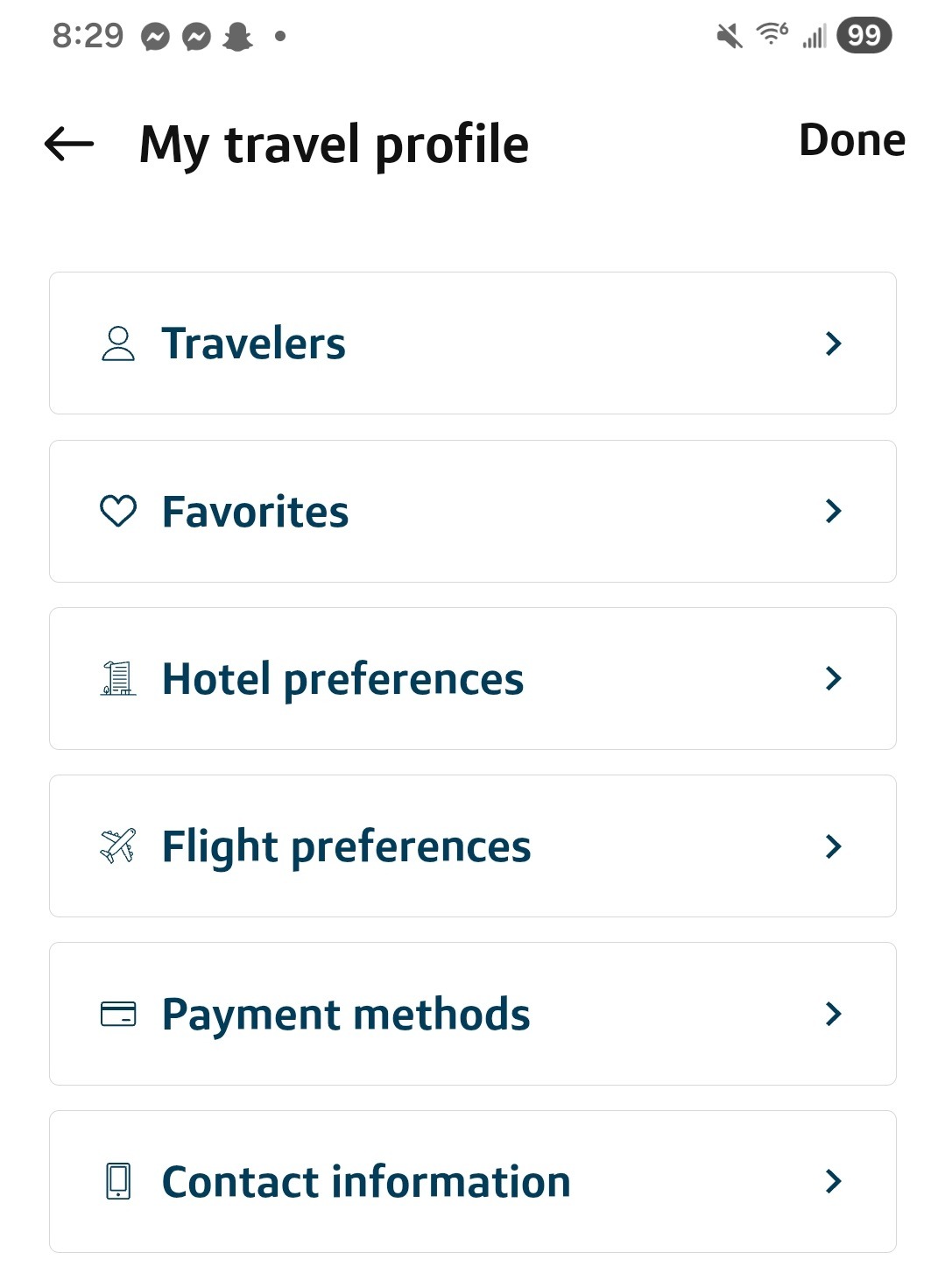
Step 2: Search and book travel
From the home screen, you can search for flights, hotels, rental cars, vacation rentals and activities. Enter your destination, dates and number of travelers to get started.
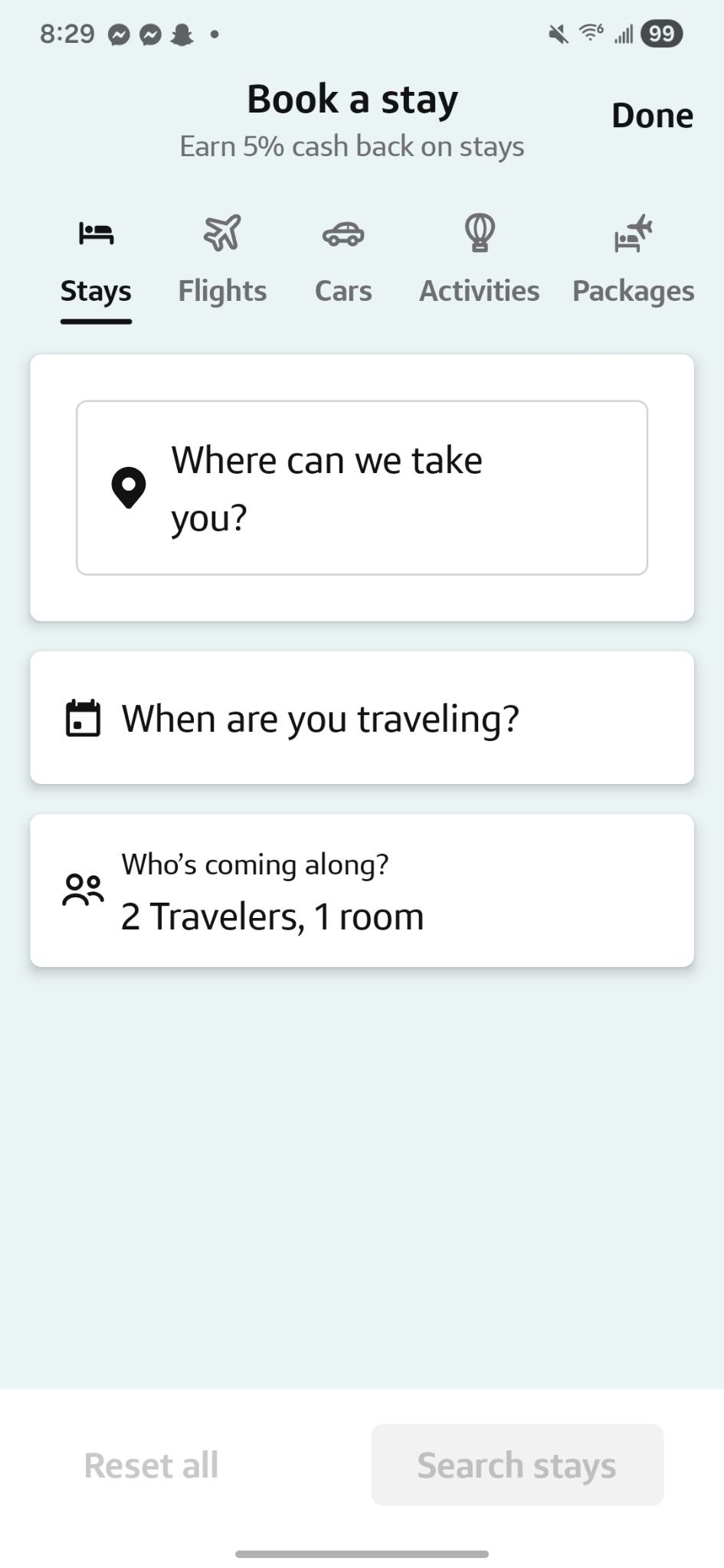
The app includes filters and sorting tools that help you narrow down your options based on price, travel time, number of stops, amenities and more. You can also compare different options side by side, making it easier to find the best fit for your schedule and budget.
Once you’ve selected an option, you’ll be able to review details before moving on to booking.
Step 3: Pay with miles, cash or both
At checkout, the app gives you flexibility in how you pay. You can:
- Redeem Capital One miles to cover part or all of your booking
- Use available travel credits if you have them
- Pay with your card, or combine miles and cash
The app will show the value of your miles and let you adjust how many you want to apply. Once you’ve finalized your payment method, confirm your booking, and you’re all set.
Step 4: Use price prediction and price protection
One of the more helpful features in the app is its price prediction tool. When searching for flights, you may see guidance on whether to “book now” or “wait,” based on expected price trends.
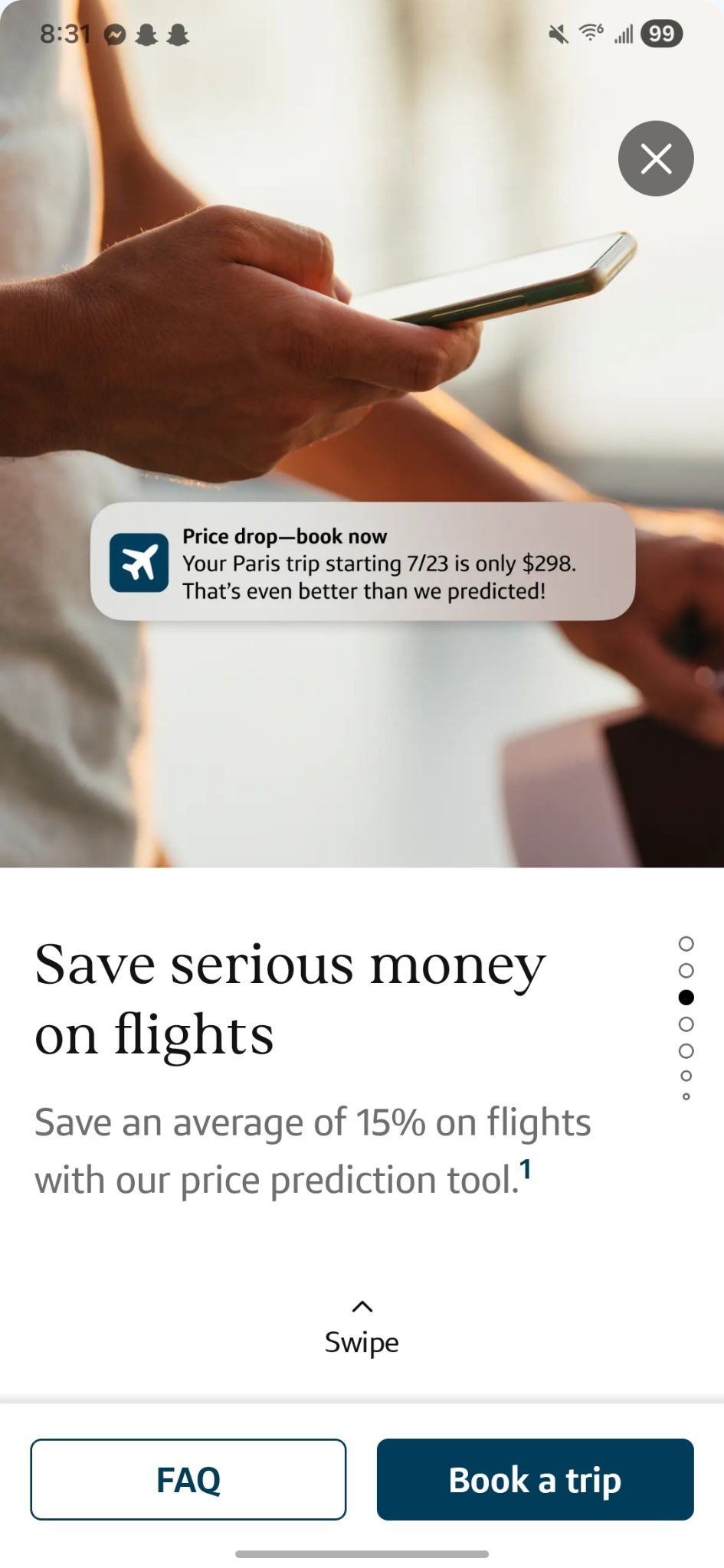
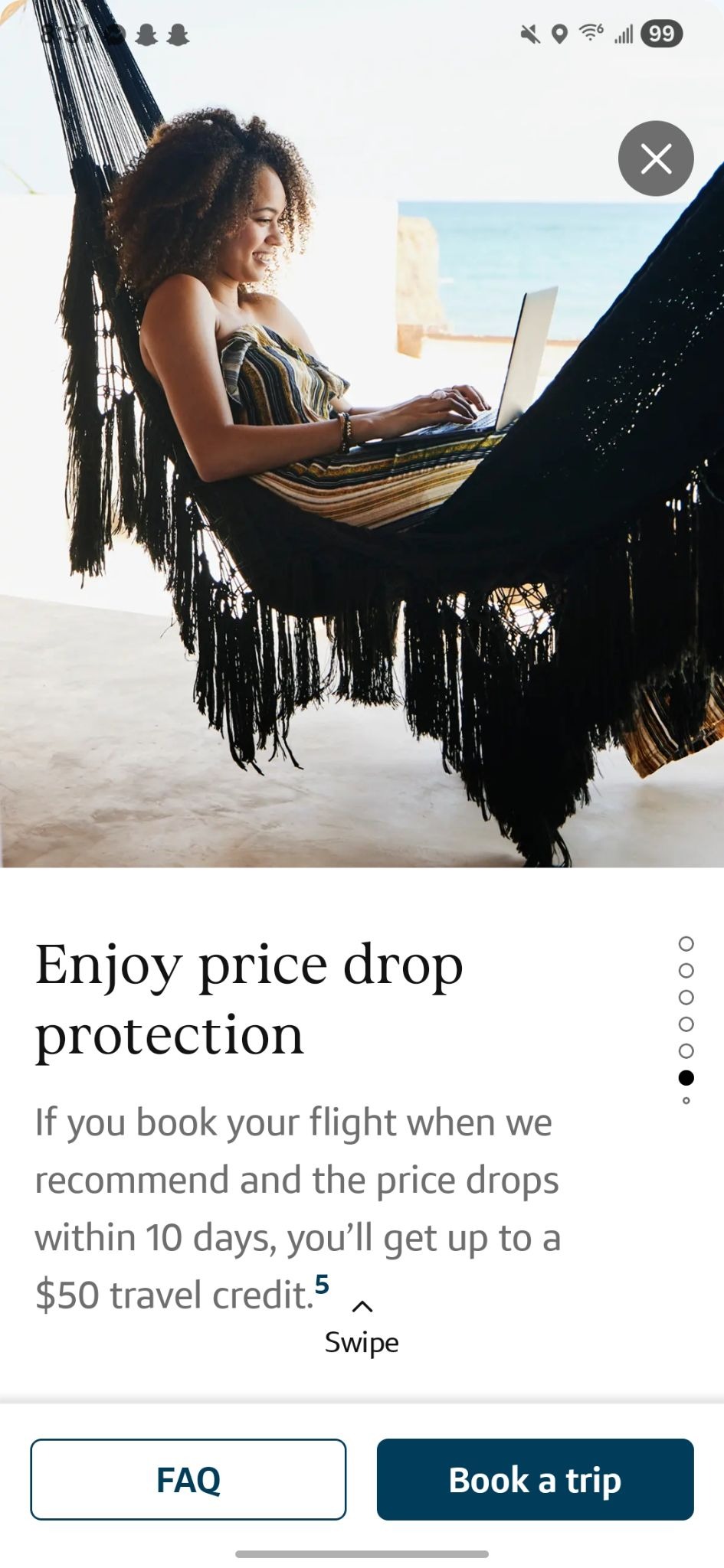
If you decide to book, Capital One also offers price protection on eligible bookings. If the price drops within 10 days after you book a flight, for example, you may be eligible for a travel credit of up to $50. This can help take some of the stress out of trying to time your purchase perfectly.
Step 5: Manage your trips
Once your trip is booked, you can access all your details in the app’s “My Trips” section. This includes flight information, hotel reservations, rental car bookings and more — all in one place.
The app also provides real-time updates, such as flight delays or gate changes, so you can stay informed while you’re on the go. If your plans change, you may be able to modify or cancel your booking directly through the app, depending on the terms of your reservation.
Step 6: Use the smart travel dashboard
The app’s dashboard acts as a central hub for your travel plans. It can surface personalized recommendations based on your preferences, past bookings and upcoming trips.
During each trip you book through the app, the dashboard highlights important updates and reminders. This helps you stay organized without having to dig through emails or multiple apps for information.
Step 7: Access airport lounges
If your card includes access to airport lounges, the app makes it easier to find locations you can visit. The built-in lounge locator lets you search for nearby lounges along your route.
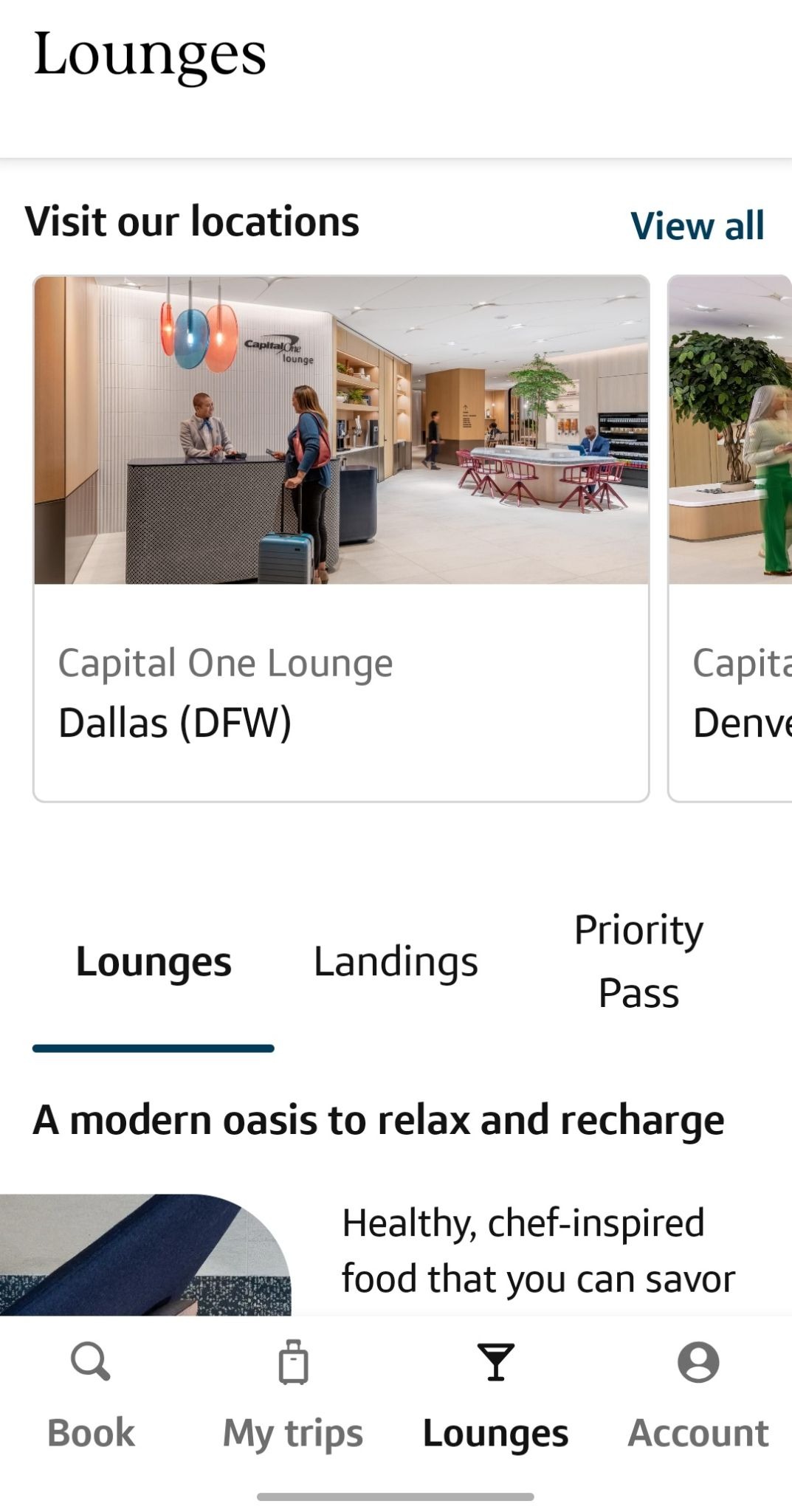
You can check availability, view details about each location and, in some cases, join a waitlist directly through the app. Your lounge membership credentials are also stored digitally, so you can access them quickly when you arrive.
➤ SEE MORE:Best credit cards for airport lounge access
Step 8: Track and maximize your rewards
One of the biggest perks of using the app is how easy it is to keep tabs on your rewards. You can view your Capital One miles balance directly within the app, along with any available travel credits tied to your account.
As you book travel, you’ll earn rewards based on your card and the type of purchase. Booking through the platform (or through the desktop version of Capital One Travel) can unlock higher earning rates, especially for hotels, rental cars and vacation rentals.
To get the most value, consider saving your miles for higher-cost travel where redemption rates tend to stretch further. You can also mix and match — using miles for part of a booking while paying the rest with your card — to make your rewards go further.
Tips to get the most value from the app
While the app is designed to be easy to use, a few simple strategies can help you get more out of it:
- Compare prices before booking: Even with built-in tools, it’s worth double-checking prices against other booking platforms or directly with airlines and hotels.
- Use miles for high-value redemptions: Flights and more expensive hotel stays often give you better value per mile than lower-cost bookings.
- Combine miles with travel credits: If you have credits available, stacking them with rewards can significantly reduce your out-of-pocket cost.
- Book when price prediction is favorable: Pay attention to “book now” recommendations to avoid overpaying, especially for flights.
- Don’t forget about transfer partners: If you can’t find a travel booking through the app that works, look into transferring your miles to Capital One airline and hotel partners for better redemptions.
➤ SEE MORE:How to book travel through the Capital One Travel portal
Final thoughts: Is the Capital One Travel app worth using?
For existing Capital One cardholders, the newly refreshed travel app offers a convenient way to manage nearly every part of a trip in one place. From tracking rewards and booking trips to receiving real-time updates and accessing lounges, it simplifies the entire travel process to save users time and effort.
The app tends to make the most sense when you want to maximize rewards, keep your itinerary organized and take advantage of built-in perks like price tracking and travel credits. It’s especially useful for frequent travelers who already rely on Capital One’s ecosystem.
That said, it’s still a good idea to compare prices and review booking terms before confirming any reservation. Like any travel platform, it won’t always offer the best deal in every situation.
Frequently asked questions
Is the Capital One Travel app free to use?
Yes, the app itself is free to download and use, although you’ll need an eligible Capital One card to access its full travel features and rewards.
Can I use miles directly in the app?
Yes, you can redeem your Capital One miles directly at checkout to cover part or all of your travel booking. You can also redeem cash back earned through Capital One credit cards directly on the app.
Does the app offer better prices than other platforms?
Not always. While it includes price prediction tools and a price match guarantee, it’s still smart to compare prices with other booking sites or direct providers.
Can I cancel or change bookings through the app?
In many cases, yes — the app lets you modify or cancel eligible bookings, though policies depend on the airline, hotel or provider you booked with.
Do I earn rewards on bookings made in the app?
Yes, you’ll earn rewards on travel booked through the app.
Does the app support lounge access features?
Yes, the app includes a lounge locator that lets eligible users find lounges, check availability and sometimes join a waitlist.
Is it better to book through the app or directly with airlines or hotels?
It depends. Booking through the app can help you earn more rewards and use perks, but booking directly may offer more flexibility or elite status benefits in some cases.